If clunky, outdated systems are holding your business back, you are not alone. As companies grow, many end up running on a patchwork of manual steps and ad hoc processes: dense spreadsheets, aging desktop apps and in-house custom code that made sense once but now create bottlenecks, hide what is happening end-to-end, and invite costly mistakes.
This isn't just a hunch. PwC's 2026 survey of operations leaders found the vast majority believe they're ahead of competitors on digital transformation, yet almost as many say their technology investments still haven't delivered the results they expected.
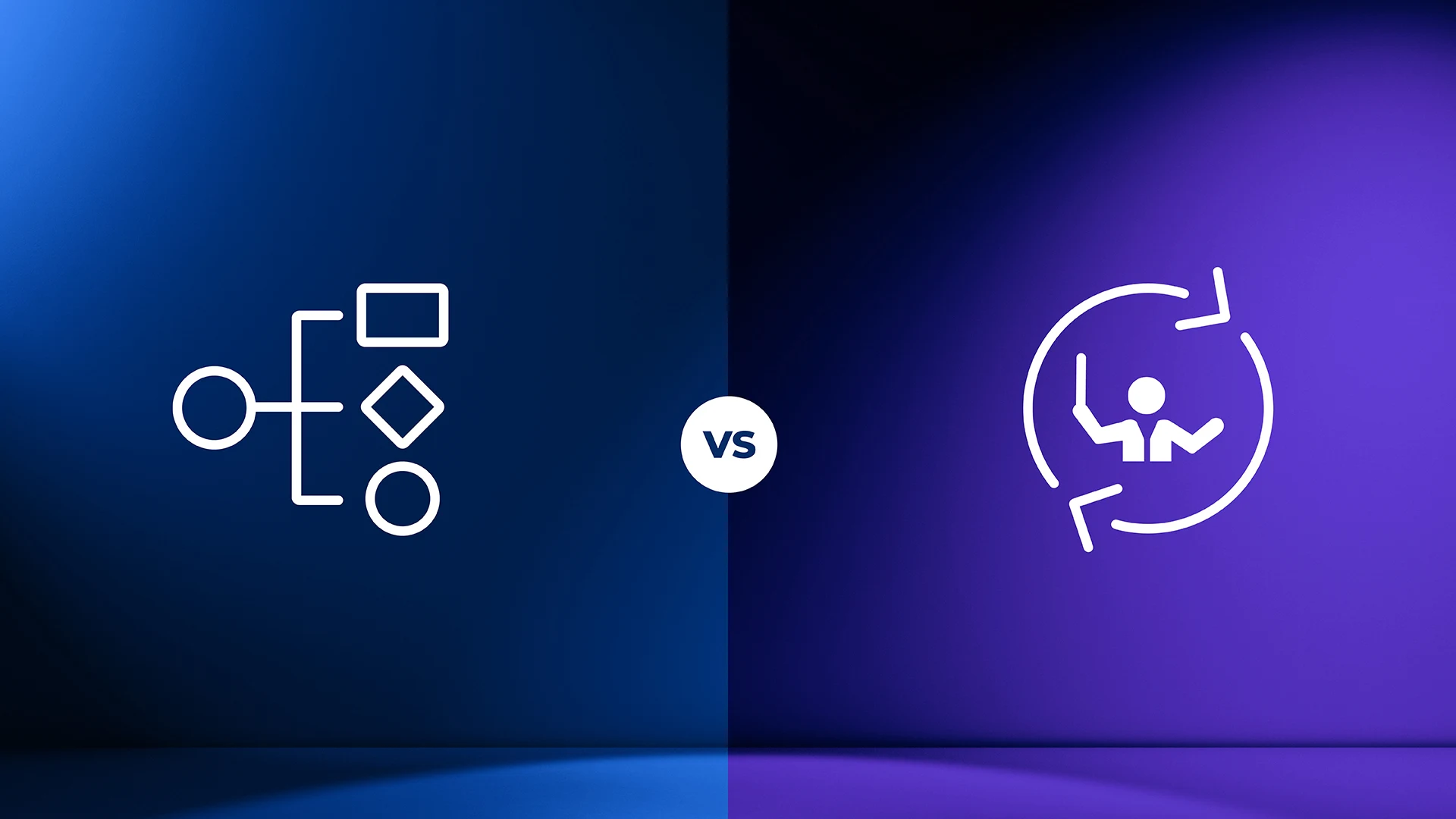
The pressure to modernise is real, but transformation does not come from automating a task here and there. It comes from rethinking and orchestrating how work gets done from start to finish. That is the heart of the workflow vs orchestration question, and choosing between them is the decision this guide helps you make.
One quick disambiguation first: this is about business-process orchestration, coordinating the people, systems and decisions inside a business process, not the data-pipeline orchestration used to move data between engineering systems.
Sometimes the full power of orchestration is more than a given process needs. So the real question is whether to take quick, tactical automation wins, or invest in a control layer that gives you a stronger, more scalable foundation. This piece defines both, shows what each controls, and gives you a short diagnostic to decide.
Workflow automation handles individual, bounded tasks. It is trigger-based: when A happens, do B, then do C. Upload a document to a folder and it triggers a notification in a team channel; log a new sale and it syncs a record to another system. For low-risk, linear tasks it is a fast efficiency win, the digital duct tape of operations.
These tools shine in specific scenarios. They give quick productivity boosts to individual users and small teams, they are excellent at simple data-syncing such as posting to a channel when a new sale occurs, and they are a sensible fit for non-critical processes where a small error is not a disaster and there are no real compliance concerns. They are a fast way to patch the smaller, annoying efficiency leaks.
So what is workflow orchestration? It is the layer above. Workflow orchestration coordinates an entire end-to-end process across systems, people and AI, holds shared state as the work runs, routes exceptions to the right place, and keeps one audit trail for the whole thing. Where automation executes a step, orchestration governs the journey those steps live in.
| Workflow automation | Workflow orchestration |
Scope | A single task or a short, linear sequence. | The end-to-end process across systems, people and AI. |
What it controls | Trigger-to-action for one step. | Flow, dependencies, state and exceptions across the whole process. |
State and exceptions | No memory of where it is; breaks on the unexpected. | Holds state for long-running work; routes exceptions to the right decision. |
Governance | Little to none; no clear audit trail. | One audit trail and defined control points on every run. |
Best for | Low-risk, repetitive, well-defined tasks. | High-stakes, judgment-heavy, multi-system processes. |
Who owns the outcome | The individual or team running the task. | The business, accountable for the end-to-end result. |
That simplicity is also automation’s ceiling. Simple workflow tools are not built to manage processes that run for days or weeks, involve multiple people, or need expert decisions along the way. They lack the concept of state, the technical term for remembering where they are in a long process.
They tend to operate with little governance and no clear audit trail of who did what and when, which is a real problem for any business that has to meet compliance obligations. And they run on rigid, sequential logic, if A then B then C, which is excellent for repetitive tasks but unable to cope when a process needs flexibility, hits an exception, or takes an unpredictable detour.
That kind of judgment-heavy, human work, the sort centred on real customer interaction, needs case-management power that simple workflow tools do not provide.
Stacking more automations does not add up to an orchestrated process. What an orchestration layer adds is architectural, and it is the same set of capabilities whichever vendor you look at.
State - It remembers where a long-running process is, for hours, days or months, so work can pause for a human decision and resume later without losing context. A claim that waits three weeks for a medical report picks up exactly where it left off.
Exceptions - Real processes take unpredictable detours. Orchestration routes the exception to the right person or system instead of failing silently, so an unusual case becomes a managed path rather than a broken one.
Recovery - When a step or an external service fails, the layer retries, compensates or escalates rather than leaving the process half-finished and untraceable.
Observability - One end-to-end view of every run in flight, with the audit trail that shows who did what, and when. That visibility is what lets you find where work actually stalls and improve it.
These are the capabilities that turn a chain of disconnected tools into a governed, reliable process. It is also worth noting how that process gets built: orchestration platforms use visual models that both business and IT can read and change through drag-and-drop design, backed by code underneath.
Structured, predictable flows are modeled with the open standard BPMN, and more dynamic, unpredictable work with CMMN. Because the visual model is the thing that actually runs, business and IT stakeholders share one agreed picture of how work gets done.
Answer these four questions about the process you are trying to improve.
Does it span multiple systems, or just one? One system points to automation; several point to orchestration.
Does it run long enough to need memory and recovery, or does it finish in one go? Long-running, stateful work needs orchestration.
Are there exceptions that need human judgment mid-flow, or is it fully rule-based? Judgment mid-flow needs orchestration.
Is anyone accountable for the end-to-end outcome, or only for the individual tasks? End-to-end accountability needs orchestration.
A useful way to frame the workflow vs orchestration decision is to weigh the process debt you are carrying: the risk in the process, the productivity quietly lost to it, and what you are actually trying to achieve. Mostly the first answer in each pair, and a workflow automation tool is a fine place to start.
Mostly the second, and you need workflow orchestration. A mix is common, and it is not an either-or: an orchestration layer can call your existing automations as steps, so the quick wins keep working inside a governed process.
When a process is high-stakes, exception-driven and judgment-heavy, the control layer is also where governance and audit live. Think of a single loan application: dozens of steps, several departments, and a mix of automated and human tasks.
Orchestration keeps one unchangeable audit trail, enforces who decides what, and records every step, so nothing falls through the cracks. That is exactly what industries with audit and oversight obligations, such as banking and insurance, require, and it is why control at this level matters far more than a quick efficiency win.
Human judgment is designed in, not bolted on. You define the points where a person must approve, review or override; the process holds its state; and it resumes once the decision is made. For the deeper architecture behind this, see our business process orchestration guide.
Orchestration is also how you bring AI into a process safely. Rather than letting AI run loose as a one-size-fits-all add-on, the orchestration layer sets the guardrails and control points, and techniques like retrieval-augmented generation ground the AI in your own knowledge. Inside that governed process, specialized AI agents can be assigned tasks much like a human team member: one agent reads and extracts data from a submitted form, another looks up the relevant policy or regulation, and an orchestrator agent coordinates them and tracks the result centrally.
You get the leverage of AI without giving up governance and control. For more on doing this well, see our guide to governing enterprise AI agents.
Most businesses start with simple automation to solve immediate problems, and that is the right first move for low-risk, well-defined tasks with a clear, quick payoff. But as processes grow across departments, run longer and carry more risk, the old ways of working start to affect customers, finances and the ability to meet regulatory requirements. That is the point to move to workflow orchestration, less to be marginally more efficient and more to build a business that is scalable and resilient.
As AI agents enter these processes the line matters more, not less: agents make a governed control layer essential rather than optional. When you evaluate that layer, a key buyer criterion is whether it is built on open standards, BPMN for structured flows, CMMN for adaptive case work and DMN for decisions, so your processes stay portable rather than locked to one vendor’s model.
Flowable is the orchestration layer for regulated enterprises. It coordinates people, systems and AI end-to-end on open standards, with audit trails and human oversight built in, so it is process control, not raw AI capability, that makes it hold at scale. If your work now spans people, systems and decisions you cannot afford to lose track of, explore our process orchestration platform and book a demo tailored to your use case.
Workflow orchestration is the coordination of an entire end-to-end business process across systems, people and AI. It holds state as the work runs, routes exceptions to the right place, and keeps one audit trail, governing the whole journey rather than executing a single task.
Workflow automation runs individual, trigger-based tasks; workflow orchestration governs the end-to-end process those tasks sit inside. Automation is the quick win for a bounded job, while orchestration is the control layer for long-running, multi-system, judgment-heavy work.
Move when a process spans multiple systems, runs long enough to need state and recovery, carries exceptions that need human judgment, or has someone accountable for the end-to-end outcome. At that point a workflow automation tool cannot give you the control, visibility and audit trail the work requires.

Business process management software covers very different tools in 2026. See how the category shifted towards BOAT and what buyers should evaluate.

Client lifecycle management in banking goes beyond onboarding. See how case management keeps client context intact through KYC, reviews and offboarding.
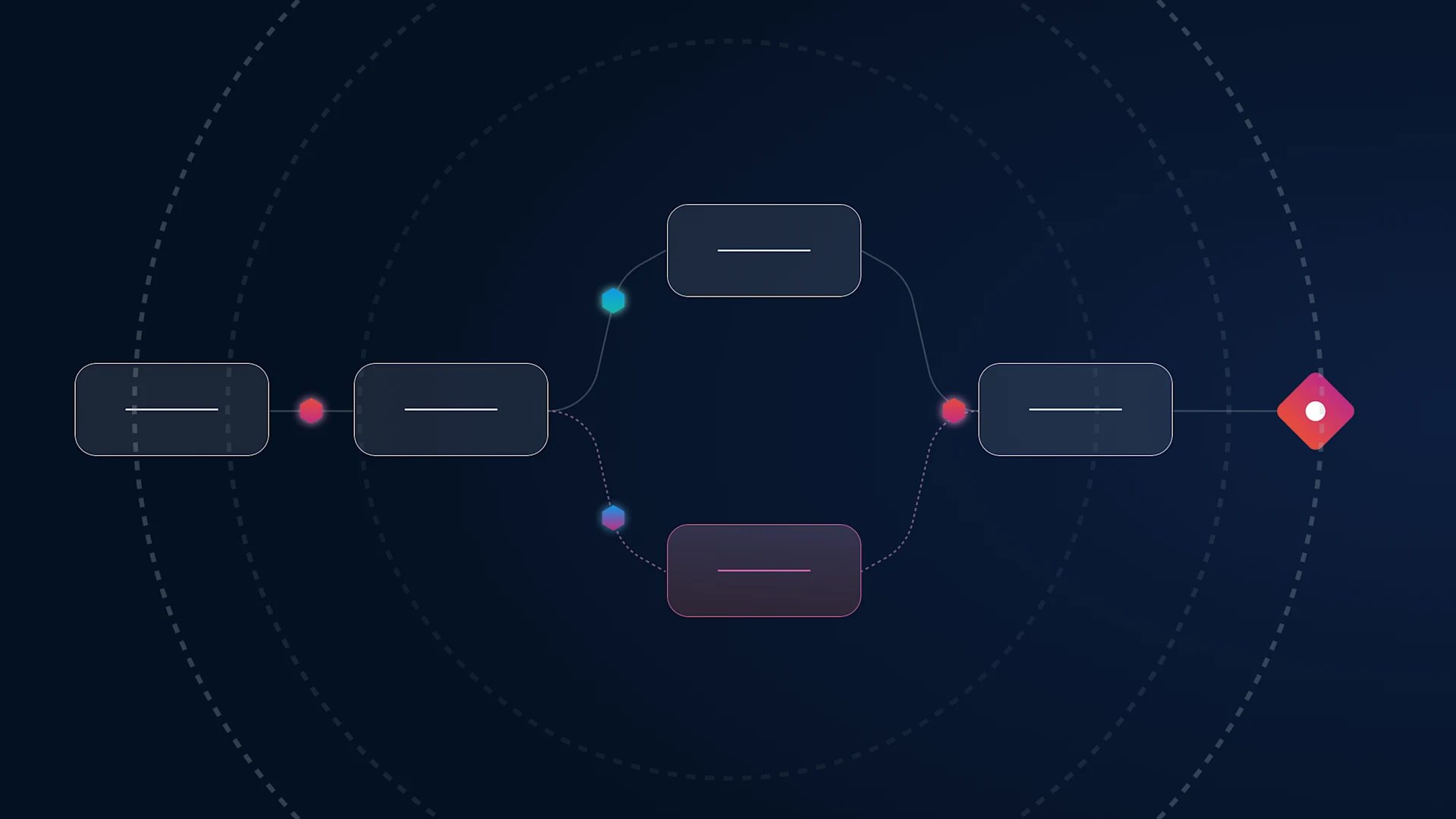
n agentic workflow is more than a multi-agent diagram. See what the standard patterns omit once workflows meet exceptions, oversight, and audit requirements. Primary keyword: agentic workflow